
3RVX is an application that emulates the on-screen volume control found in Mac OS X. Every Mac comes with a keyboard which has 3 buttons for volume control. When you press volume down, volume up, or mute, it shows an icon on the screen which reflects the button you just pushed. It is quite a good system and 3RVX does just that, but in Windows.
When you install the application, you will be given the option of choosing a couple of hotkeys to use with the application. You can turn the volume down or up, and also mute. And you can assign two sets of hotkeys for each action. Ideally one set would correspond to mouse buttons, and the other to buttons on the keyboard.
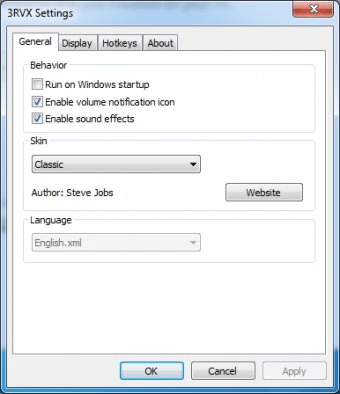
The icon that appears on the screen is identical to that of Mac OS X. However, 3RVX allows you to customize the look and feel of the icon. You can configure its fading delay and speed. So, if you want it to appear on the screen for a longer period of time, you just have to increase the fade delay. There are also skins that you can use, and you can even create your own. 3RVX will even let you know when drives are ejected from the system. The hotkey interface is very responsive and detects key strokes quite efficiently.






Comments (4)